
Results and report cards
When results appear
Results are visible only after the school publishes the term's examination. Until then, Results shows "Results for this term have not been published yet." The school will announce the release date.
Viewing results
- Go to Results and choose the session and term.
- For each subject you see the continuous assessment (CA) marks, the examination mark, the total out of 100, the grade and the position in subject.
- Below the table: total marks, average, class average, position in class and number in class.
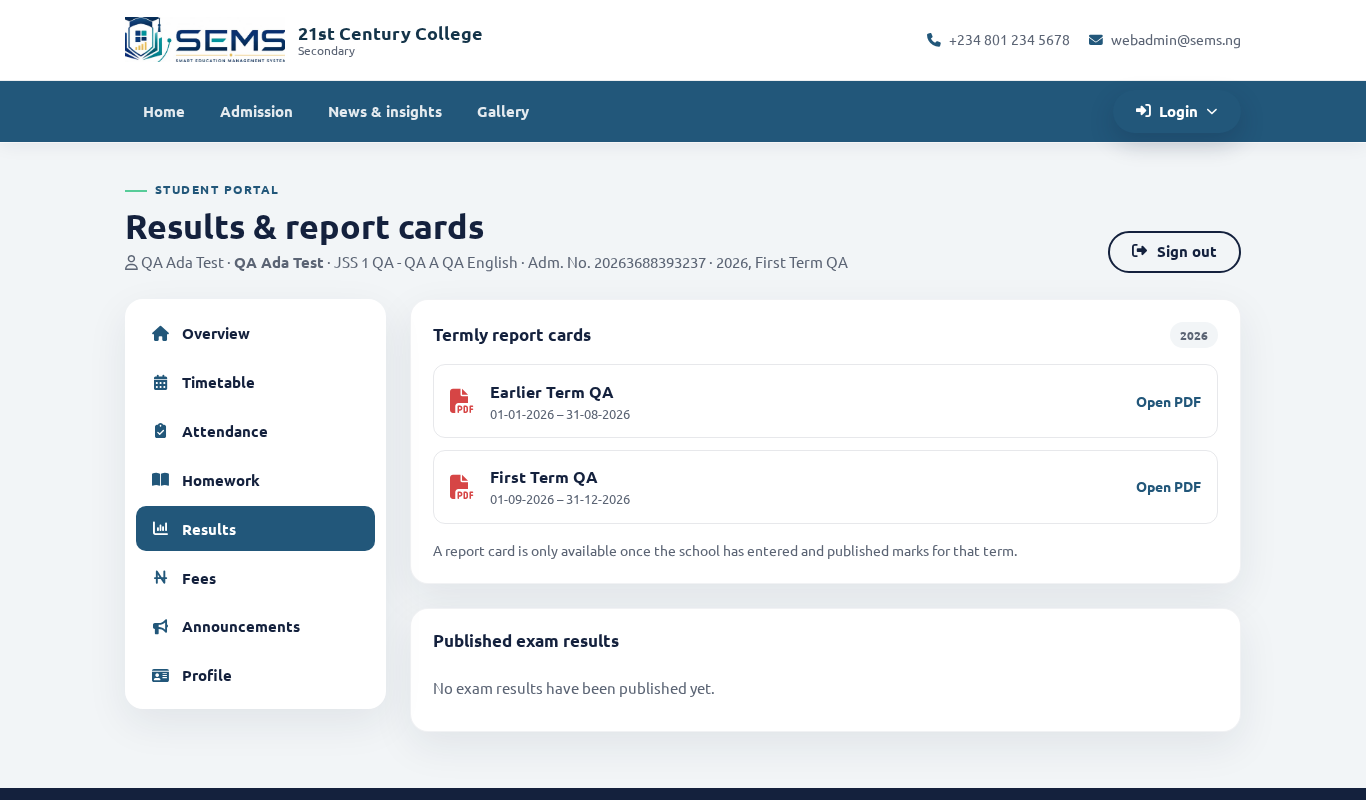 Termly results.
Understanding grades
Grades follow the school's grading scale — typically A1–F9 for senior secondary (A1 = 75–100, C6 = 50–54, F9 = below 40) or A–F for junior and primary classes. Each grade has a remark (Excellent, Very good, Credit, Pass, Fail). The scale is printed on the report card.
Download the report card
- On Results, click Report card (PDF) for the term.
- The PDF opens in your browser — save it or print it. It is the same document the school prints, with the crest, marks, attendance, traits, class-teacher and principal's remarks, and the next-term date.
Keep PDFs for all terms — you can download previous sessions at any time while your child is in the school.
Questions about a mark
If a mark looks wrong, contact the subject teacher or the school office. Corrections made by the school update the online result and PDF automatically; download again afterwards.
Exam timetable
Before examinations the school publishes the exam timetable under Results → Exam timetable with dates and times per subject.