
Assignments and lessons
Assignments (homework)
Assignments lists homework for each subject with the due date and status: Pending, Submitted, Late or Marked.
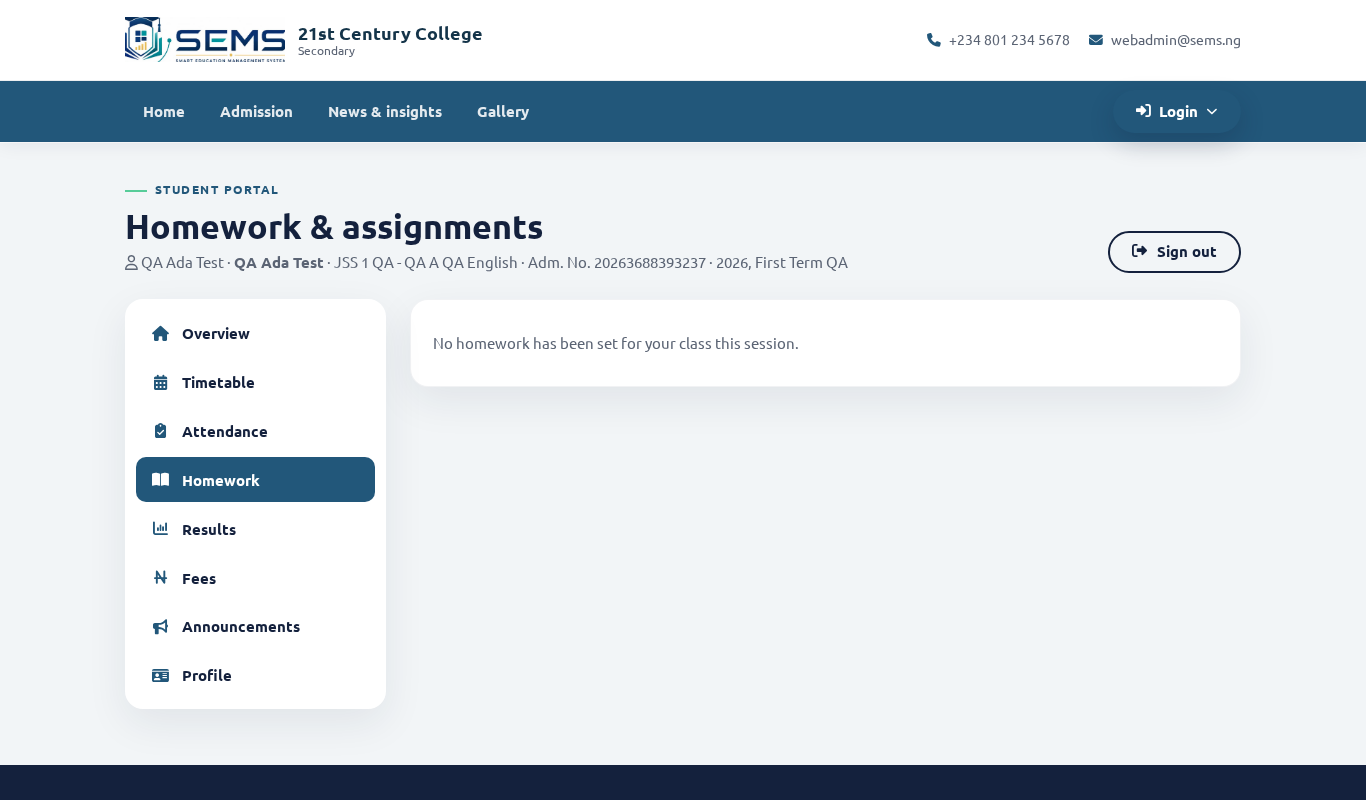 Assignments with due dates and status.
Submit work online
- Open the assignment and read the instructions; download any worksheet attached.
- Click Submit, type your answer or upload a file (photo of handwritten work, PDF, Word) and click Send.
- The status changes to Submitted. If the teacher allows re-submission you can replace it before the due date.
Work can also be handed in on paper if the teacher says so; the teacher records the mark in SEMS.
Marks and feedback
When the teacher marks the work, the mark and comments appear on the assignment. Parents can see all of this for each child.
Lessons and study materials
Lessons lists the topics the teacher has covered for each subject, with attached notes, slides and video links. Use it for revision before CA and examinations.
Online exams
If a teacher sets an online test, it appears under Online exam with the start time and duration. Start only when you are ready — the timer cannot be paused. Results are shown after the test closes.
Tips for students
- Check Assignments every evening.
- Photos of written work should be clear and the right way up.
- Submit before the deadline — late submissions are marked as such.