
Remarks, traits and report cards
At the end of each term the class teacher completes the non-academic parts of the report card for every student in the arm. The principal's remark is usually added by the School Administrator.
Rate traits
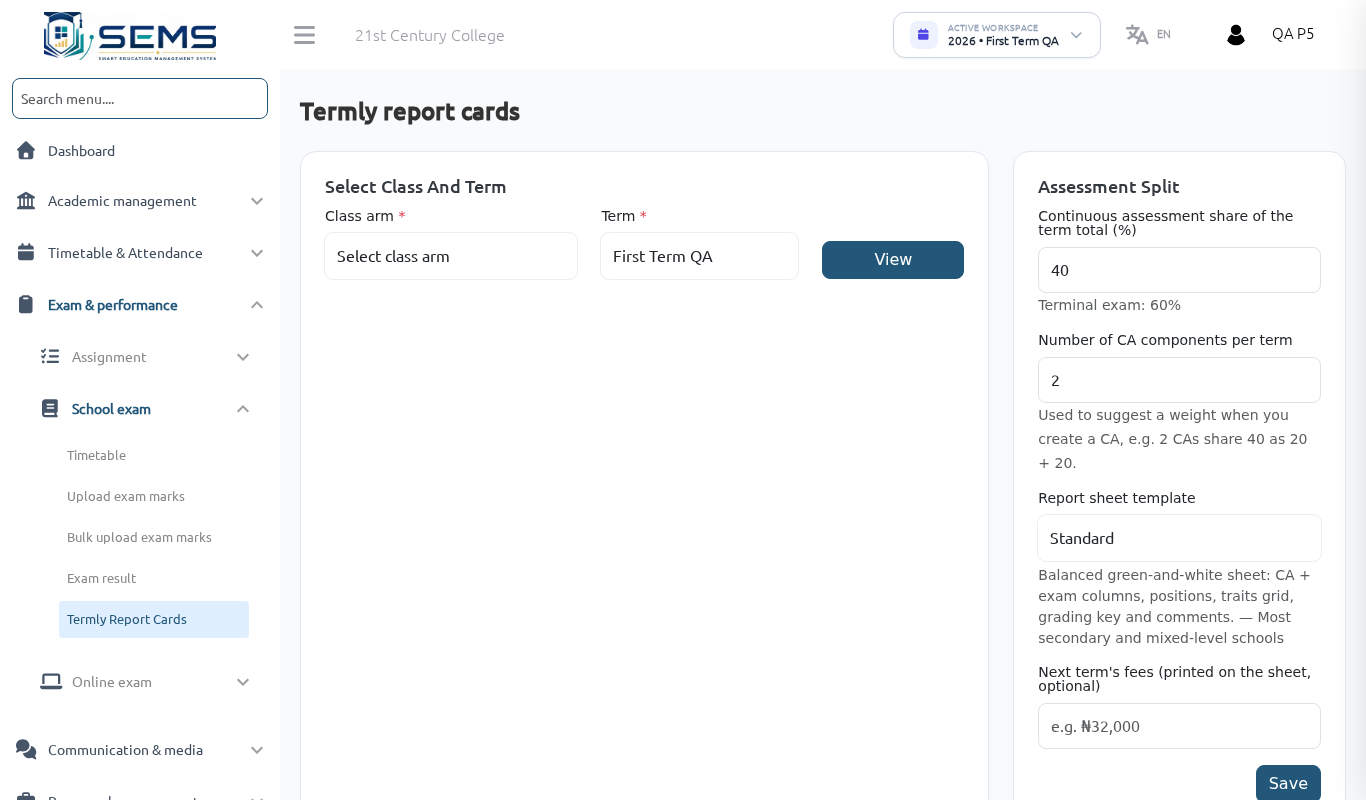
- Go to Termly Report Cards, choose the session, term and your class arm.
- Click Remarks & traits for a student.
- Rate each affective trait (punctuality, attentiveness, neatness, politeness, honesty, relationship with others…) and psychomotor trait (handwriting, sports, drawing, verbal fluency…) from 1 (poor) to 5 (excellent).
 Class teacher remarks and trait ratings.
Write the class-teacher remark
Type a short, specific remark (one or two sentences) based on the student's performance and conduct, e.g. "Adaeze has improved in Mathematics this term; she should read more widely to strengthen her English comprehension."
Where SEMS AI is enabled for your school, a Suggested remark appears, generated from the student's marks and attendance. Click Use, edit it so it sounds like you, and Save. Nothing is saved until you click Save, and the suggestion is never shown to parents.
Save and move to the next student with Next.
Preview report cards
- Click Preview on any student to see the full report card as the parent will see it.
- Check: attendance figures (mark any missing days), every subject has marks, remarks are present, names are spelt correctly.
- Report an error in a subject you do not teach to that subject teacher or the administrator.
Who prints and publishes
The School Administrator prints the arm's report cards and publishes results to parents. Once published, your remarks and ratings appear in the portal, app and downloaded PDF.
Attendance on the report card
Days present/absent/leave come directly from the register you marked during the term. If a figure looks wrong, correct the register under Attendance → Add attendance for the affected date — the report card updates automatically.
Tips for good remarks
- Mention one strength and one area to improve.
- Avoid remarks that only repeat the grade ("Good result").
- Keep to a respectful, encouraging tone — parents read them closely.