
Getting started as a teacher
Sign in
- Open your school website (e.g.
https://<school>.schoolsite.ng) and click Staff Login — not Student & Parent Login. - Enter the email address your school registered for you and the password you were sent.
- If the school has switched on two-factor verification, enter the six-digit code emailed to you.
- Change your password on first sign-in: avatar (top-right) → Profile → Change password.
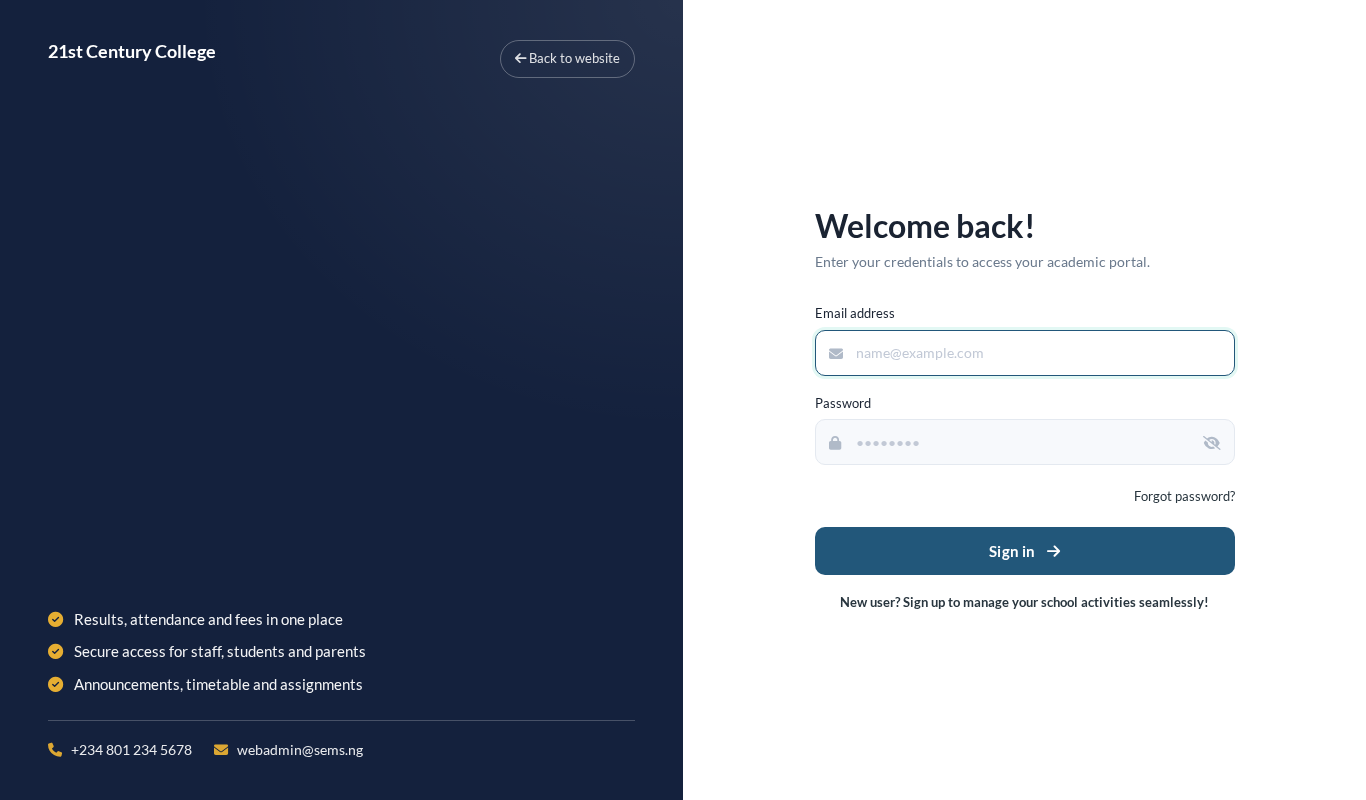 Staff Login on the school website.
Forgotten your password? Use Forgot password on the Staff Login page, or ask your School Administrator to reset it.
Your dashboard
The dashboard shows your class arms and subjects for the current term, today's timetable, announcements and quick links to attendance and marks. The current session and term are shown at the top — everything you enter goes into that term.
Your roles
- Class teacher (form master/mistress) of an arm: mark daily attendance, see all results for the arm, write class-teacher remarks and traits, keep the student diary.
- Subject teacher: set assignments and enter CA and exam marks for your subjects in each arm you teach.
If a class or subject you teach is missing, ask the administrator to assign you under Class Section & Teachers or Class Subject.
Menu overview
| Menu | Use it for |
|---|---|
| Class Section & Teachers / My classes | See your arms, students and roll numbers |
| Timetable | Your weekly timetable |
| Attendance | Daily register for your arm |
| Lesson / Topic | Scheme of work and lesson notes |
| Assignment | Homework and submissions |
| Offline Exam → Upload marks | CA and examination marks |
| Termly Report Cards | Remarks, traits, preview report cards |
| Announcement | School and class notices |
| Student diary | Notes to parents about a student |
| Leave | Apply for your own leave |
| SEMS AI | Teacher Copilot (where enabled) |
The SEMS app
You can do most daily work in the SEMS Android app: enter your school code, then your staff email and password. Attendance, assignments, marks and notices are all available.